
Your camera is a valuable investment and your ticket to seeing the world the way you want to. Treat it well. Clean it, protect it, and it’ll keep working its magic for years. Ignore it, and you’ll end up with dust spots, sticky dials, or worse — a lens growing its own ecosystem.
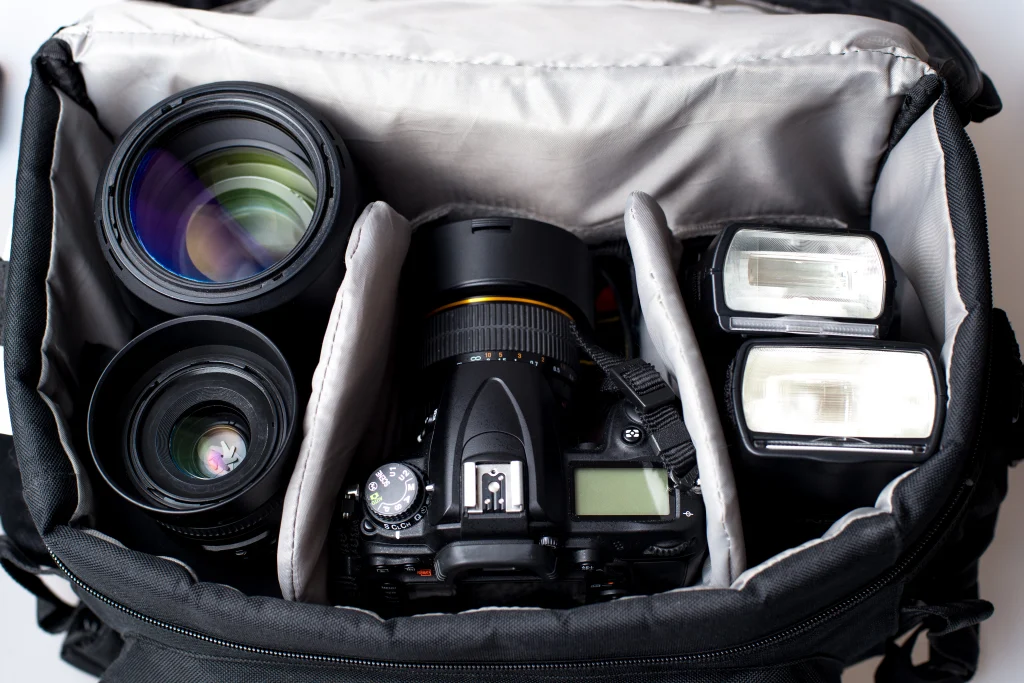
- Cleaning Your Camera and Lenses
Camera Body
Start with a rocket blower (not a can of compressed air) to blast off loose dust and grit. Then go in with a soft microfiber cloth or brush — the kind made for cameras, not your kitchen bench.
Lenses
Dust and fingerprints are your photo’s worst enemy. You want to clean the lens very gently to avoid scratching the thin coatings.
- Use a rocket blower to knock off any grit before you touch it.
- Use a soft lens brush for any stubborn bits.
- Finish with lens cleaner. For fingerprints or smudges, add a drop of lens cleaner to a clean part of a microfiber cloth. Work in small circles from the centre out. Don’t reuse dirty cloth spots — that’s how scratches happen.
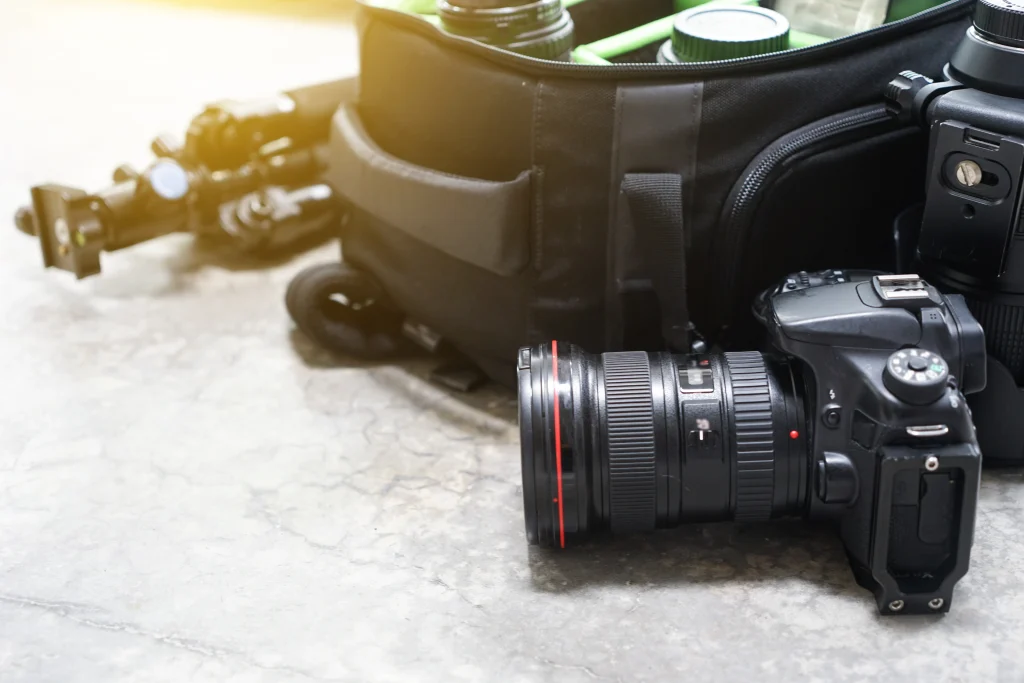
II. Sensor Cleaning (The Scary Bit)
Dust on your sensor shows up as little black blobs on your photos. Most new cameras incorporate an automatic sensor cleaning feature but sometimes a manual clean is still required. Unless you really know what you’re doing, let a pro handle it. Camera stores and service centres do this every day.
III. On Location: Protection from the Elements
Dust and Sand
Ideally, you want to prevent dust from reaching your sensor in the first place. When changing lenses, avoid doing so in windy or dusty conditions. If you have no choice, try to shelter your camera inside your bag or under your jacket while swapping lenses.
A UV filter on the front of your lens is your best insurance policy — scratch the filter, not the glass.
Rain and Moisture
Cameras hate getting wet. Use a rain cover, or a plastic bag if you’re caught out. If it does get soaked:
- Turn it off.
- Take out the battery and card.
- Wipe it gently and let it air dry naturally — no hairdryers, no heaters.
Heat and Cold
- Don’t leave your gear in a hot car.
- If you’re shooting somewhere very cold, remember that batteries drain faster. Keep spares in an inside pocket to stay warm.
IV. Long-Term Storage: The Fungus Problem
Humidity is usually not a problem in Perth but you should be careful when travelling to humid locations. Leave your gear in a damp cupboard and you might find fungus creeping across your lenses.
Store your kit somewhere cool and dry. Toss a few silica-gel packets in your camera bag to absorb moisture.
V. Batteries and Cards
Batteries
You don’t want your battery dying halfway through the perfect shot.
Modern lithium-ion batteries are reliable— treat them right and they’ll last for years.
- Don’t run them dead all the time. Recharge around 20–30%.
- Always use the manufacturer’s charger. Cheap chargers can shorten battery life or overheat cells.
- In the cold, keep one battery warm in your jacket and swap it in when the other gives up.
Memory Cards
- Format them in your camera every so often — it keeps them healthy and helps avoid corruption.
- Never remove a card while the light’s flashing. Wait for it to stop. Corrupted files are a photographer’s worst nightmare.
By following these steps you’ll safeguard your gear, avoid unexpected failures in the field, and keep your images sharp and clean.